

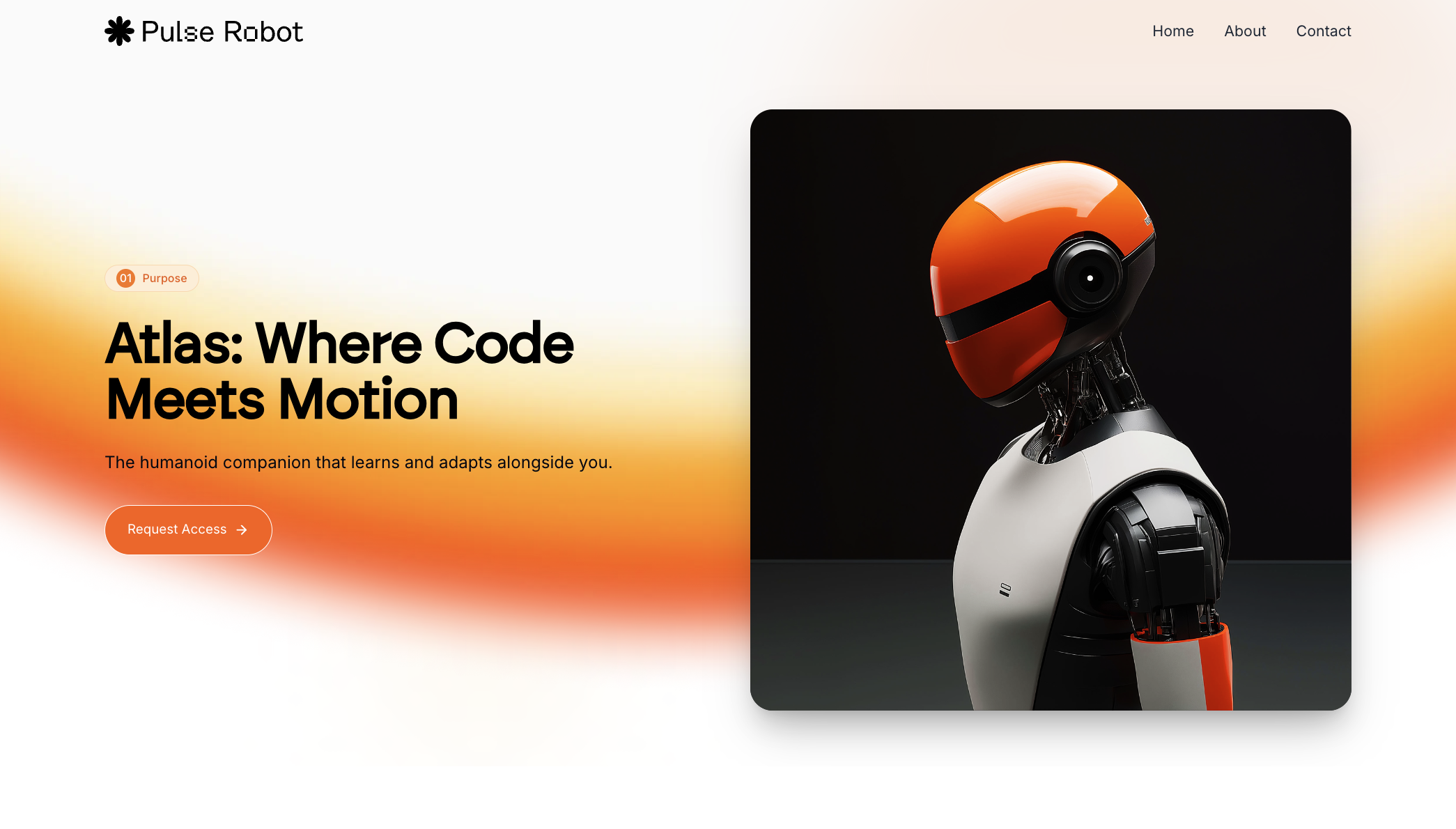
Step-by-step guide
From design inspiration to final polish, here’s the step-by-step guide he uses to build fast without sacrificing quality:1
Start with Design Inspiration, Not a Prompt
Before writing a single word of prompt, browse Dribbble or Behance. Look for designs with:
- Clean typography and spacing
- Clear CTAs and minimal layout
- Subtle interactions (not overdesigned)
A real client asked for a “modern and minimal” design. That informed the visual starting point. Avoid picking something you can’t deliver.
2
Start with a blank project
Start your Lovable project by prompting:
Start with a blank empty project. We will be adding details afterwords.
3
Convert WebP to PNG and Prep Your Design Screenshot
Once you find your reference design, download it. If it saves in WebP format, use an online converter to change it to PNG so it can be easily used in Lovable or GPT workflows.
Tools we recommend: https://cloudconvert.com/webp-to-png
4
Turn Inspiration into a Detailed Prompt Using Chat Mode
Use Lovable Chat Mode to extract:You can even ask Lovable chat mode to elaborate on sections or rewrite the prompt with better UX suggestions.
- Page sections (hero, features, FAQ, etc.)
- Layout structure, spacing, and content order
- Font families, color palettes, and gradients
- Animation types, hover effects, and transitions
Lovable Chat mode (or customGPT) is also trained to recommend Unsplash images for blog thumbnails and illustrations.
5
Generate the First Draft with Lovable
Paste the detailed prompt into Lovable Edit Mode. Then:
- Upload your PNG screenshot as a reference
- Add notes like “Use Space Grotesque font” or “Use Unsplash for blog thumbnails”
Please note how much Lovable faster this feels compared to setting up Tailwind or Bootstrap manually just a year ago.
6
Edit in Real Time: Visual + Text Prompts
Use Lovable’s visual editing tool to:
- Resize images (e.g., “make this image 800px wide”)
- Position hero images (e.g., “place this image on the right side”)
- Align design sections with the reference image
7
Polish the Design with 21stdev Components
Use 21stdev’s prebuilt UI components to upgrade: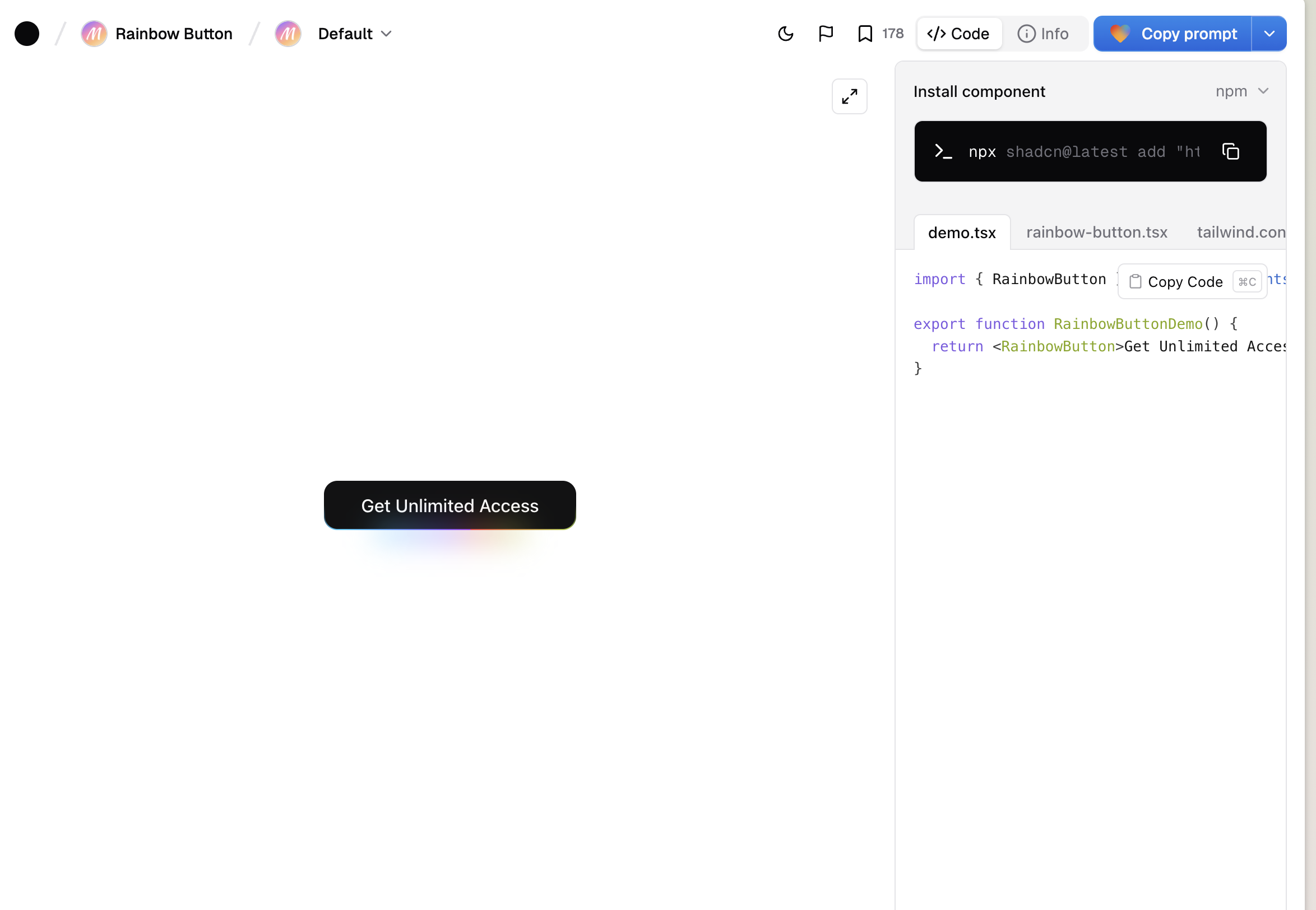
- Hero sections
- Navigation bars with hover effects
- Testimonial layouts
- CTAs and feature grids
8
Fix AI Misinterpretations
AI saves time, but expect cleanup: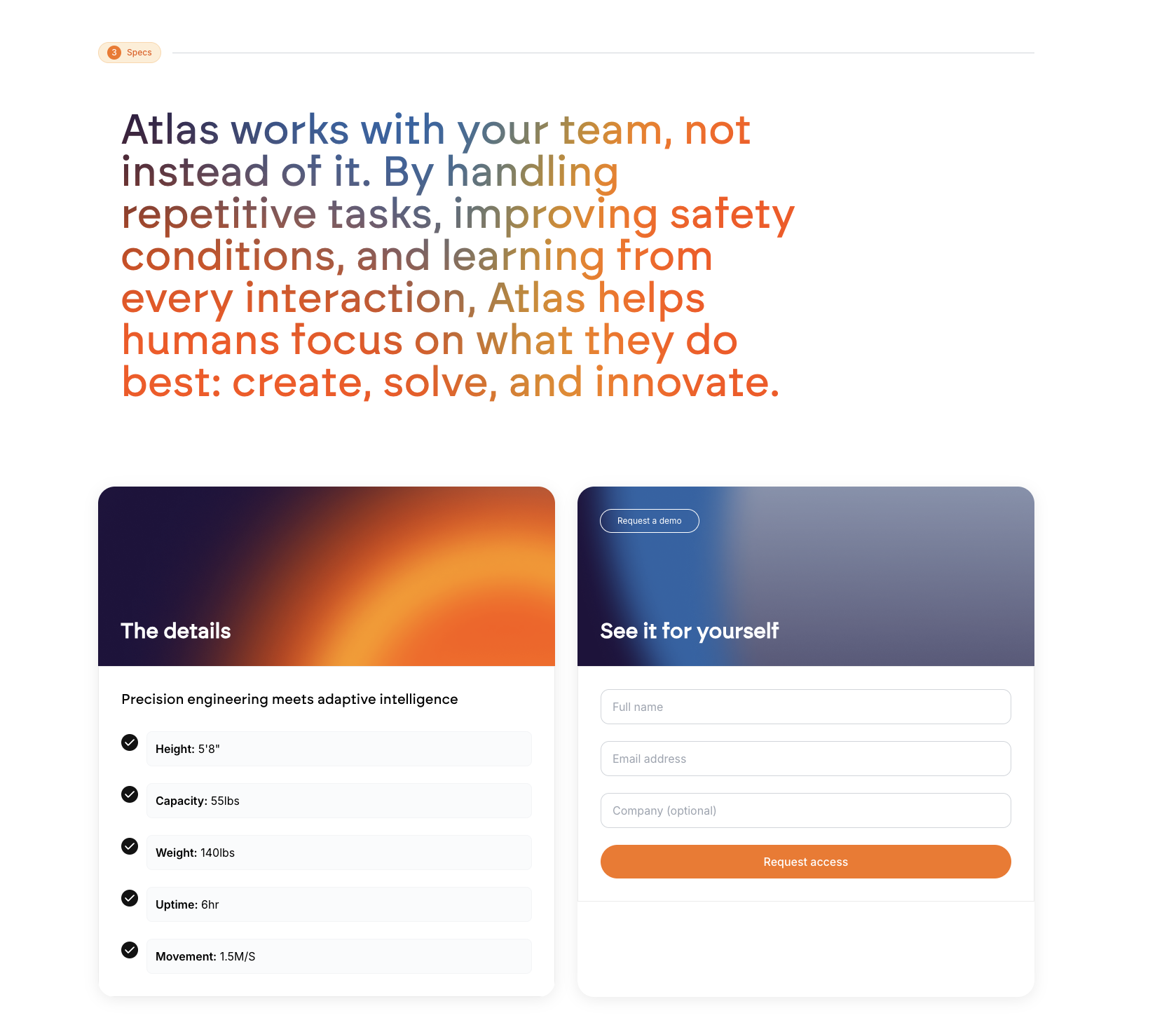
- Adjust branding (Lovable defaults to blue)
- Improve spacing and padding manually
- Use consistent typography throughout
- Add gradients or depth for a non-flat look
9
Optimize for Mobile (Non-Negotiable)
Don’t skip this. Ensure: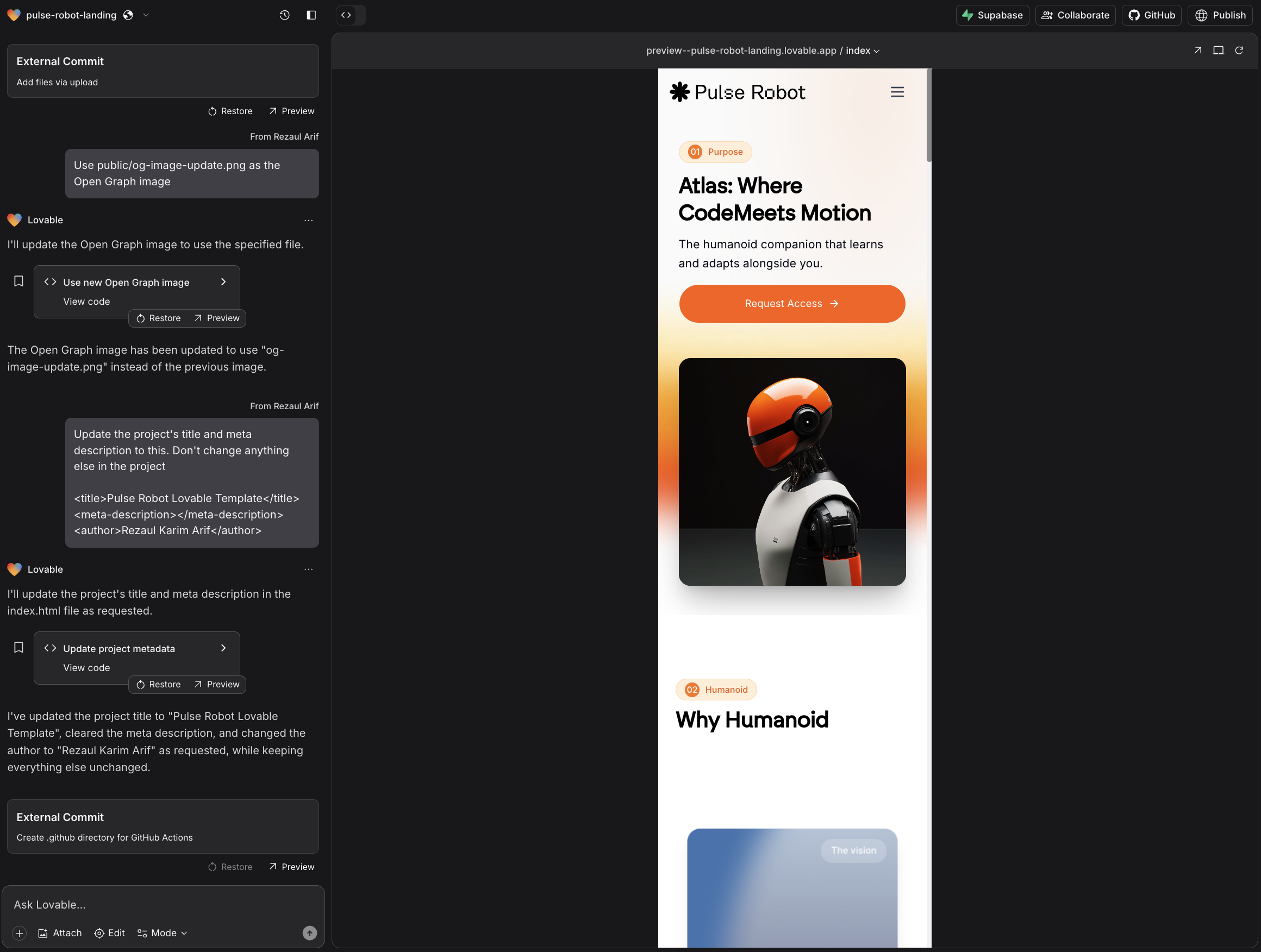
- Inputs go full-width
- Font sizes adapt to smaller screens
- Buttons are tap-friendly
- Sections stack well and scroll smoothly
10
Add Light Animations and Microinteractions
To modernize the feel: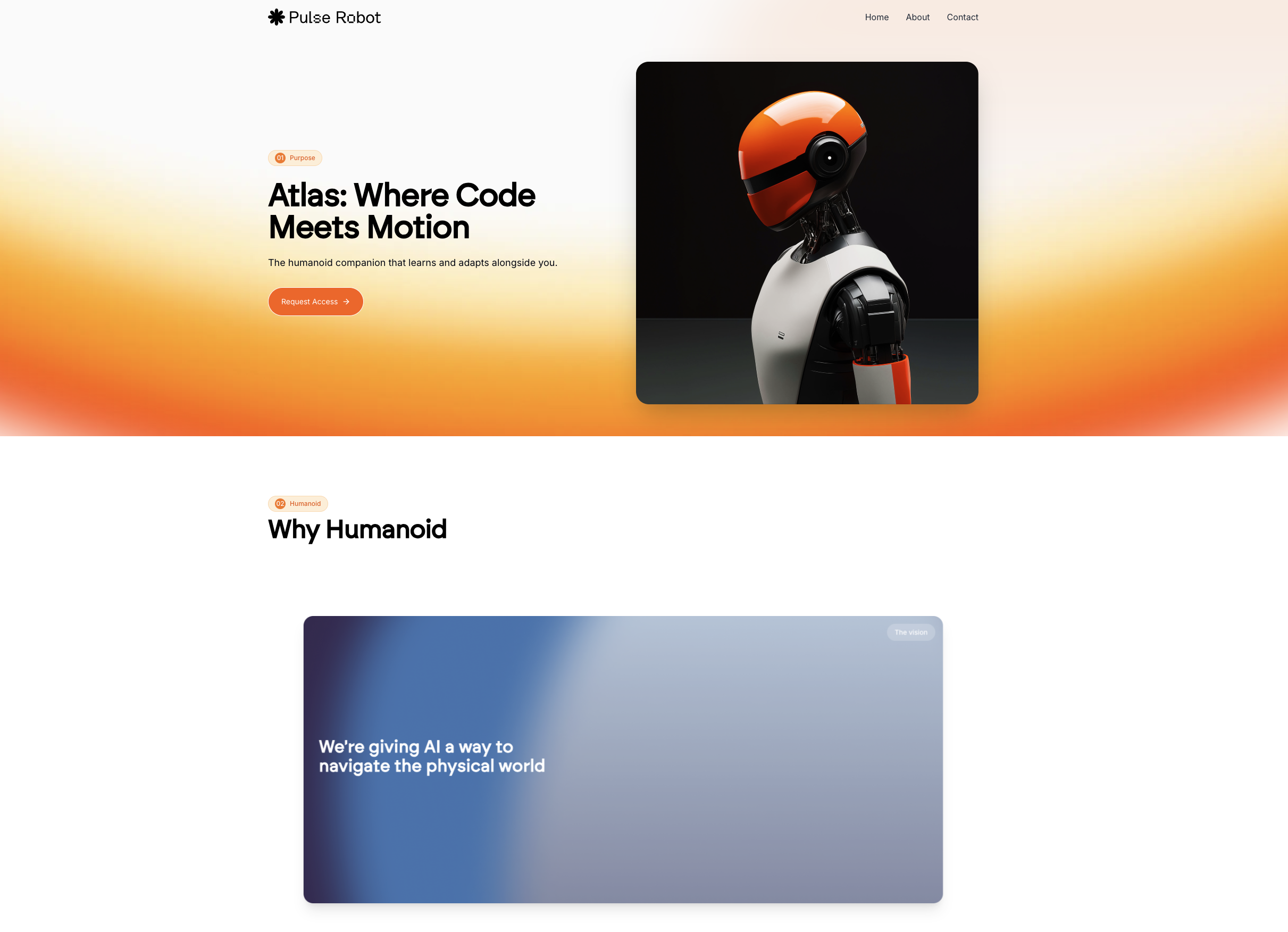
- Use fade-ins for hero sections
- Add button hover effects
- Animate sections on scroll
- Use subtle background movement
11
Generate Custom Visuals with AI (Optional)
Craft prompts for ChatGPT, Midjourney or Ideogram based on your favorite elements from the reference design.Steps:This is especially useful for 3D visuals or thematic illustrations.
1
Screenshot the desired visual section
2
Ask ChatGPT to write a matching prompt
3
Generate the image in your AI tool
4
Remove the background, then reinsert into Lovable
The latest ChatGPT 4o seems worth the test.
12
Deploy with a Single Click
Once you’re happy with the result:
- Click “Deploy” in Lovable
- Connect a custom domain via Netlify
13
Share with Clients & Iterate
Copy the public link and share with your client. They can:
- Review it live
- Suggest tweaks
- Approve quickly
Why this approach works?
AI isn’t magic. But with structure, it becomes a superpower. Compared to unstructured prompting:- The first draft is 10x closer to done
- You spend less time fixing errors
- Every section has a purpose
- The final product feels custom, not cookie-cutter
Key takeaways
- Start with strong visual inspiration
- Use structured prompts with Lovable Chat Mode
- Add screenshots and clarify expectations
- Upgrade sections using 21stdev components
- Fix design quirks and optimize for mobile
- Animate where it matters
- Deploy fast, iterate faster
More resources
- Brock Mesarich’s tutorial
- Lukas Margerie’s tutorial (1 - 2)
- AI Jason’s tutorial
- Mark Kashef’s tutorial
- Alejavi Rivera’s tutorial (spanish)
- Fazt Code’s tutorial